Seat Alignment
Learn how to position your chair height and depth for comfortable lower body support during seated work.
Explore comprehensive guides on proper body alignment, workspace ergonomics, and positioning techniques designed for extended computer sessions.
Understanding the key elements that contribute to proper body alignment during computer work.
Learn how to position your chair height and depth for comfortable lower body support during seated work.
Discover commonly recommended monitor height, distance, and angle that may help reduce neck and eye discomfort.
Position your keyboard and mouse to maintain neutral wrist and arm positioning.
Key checkpoints for maintaining proper posture throughout your workday.
Keep your head balanced directly over your shoulders, with ears aligned above the shoulder joints. Avoid forward head posture.
Allow shoulders to rest naturally without hunching or rounding forward. Keep them level and relaxed.
Maintain the natural S-curve of your spine with proper lumbar support. Avoid slouching or excessive arching.
Position hips at or slightly above knee level with feet flat on the floor or footrest for stability.
Visual references for creating a well-aligned workspace environment. Images are for illustration only.
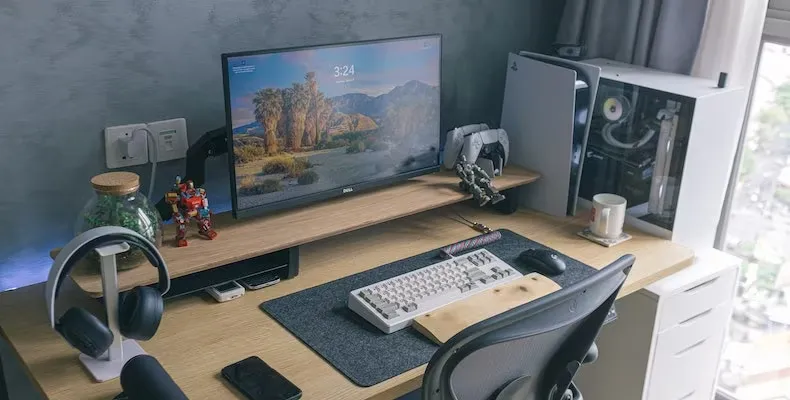
Example desk arrangement

Proper body alignment
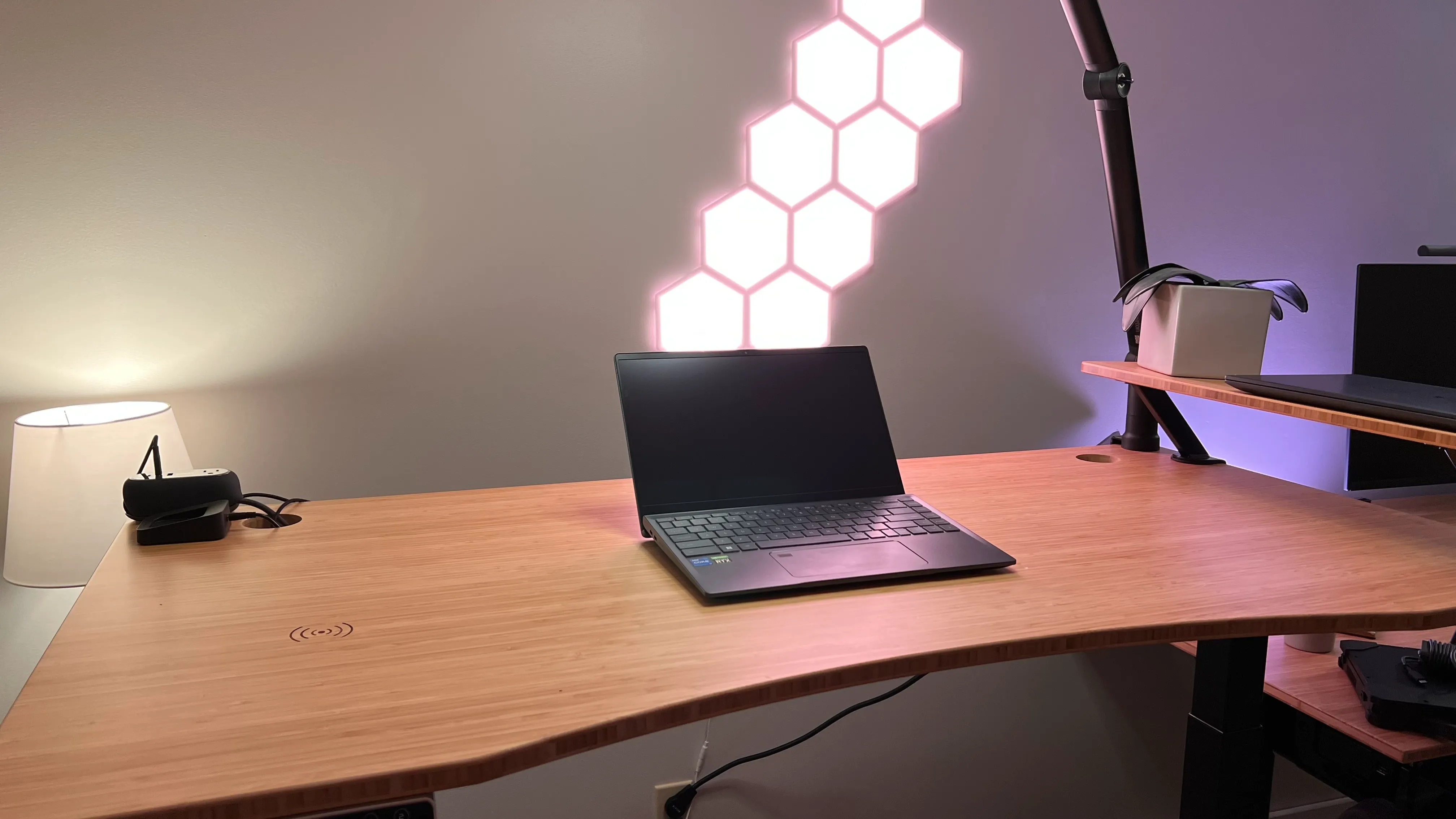
Alternative positioning
Commonly cited reference points for desk work. Individual needs may vary; adjust based on comfort and professional advice.
Simple adjustments you can make throughout the day to maintain better alignment.
Use timers or apps to remind yourself to check your posture every 30 minutes.
Every 20 minutes, look at something 20 feet away for 20 seconds, which may help ease eye discomfort.
If possible, switch between sitting and standing throughout your workday.
Regularly stretch your fingers, wrists, and forearms to maintain flexibility.
Explore our detailed guides on workspace setup and movement breaks for comprehensive ergonomic guidance.
All materials and practices presented are educational and informational in nature, aimed at supporting general well-being. They do not constitute medical diagnosis, treatment, or recommendation. Individual results may vary. Before applying any practice, especially if you have chronic conditions, injuries, or pain, consult a qualified healthcare provider.